
Smart Home Security in South Florida: The Complete 2026 Homeowner Guide
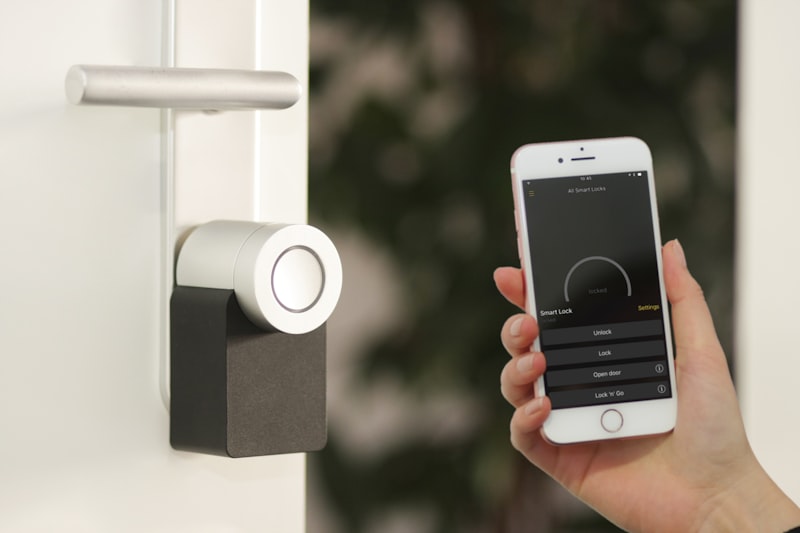
Smart home security in South Florida has to handle things most national buying guides never mention — salt air, hurricane-season power flickers, and a burglary season that peaks when snowbirds leave. This guide breaks down what actually works here, what it costs, and how to pick the best smart home security setup for your block.
Why a Florida Security Setup Is Not a Generic Security Setup
Most smart home security advice is written for a house in Ohio. That advice falls apart in Broward, Miami-Dade, or Palm Beach County. Between the salt-heavy air, the afternoon lightning, and the six-month stretch when half the neighborhood is empty, the gear and the strategy both have to change.
Here is what actually matters for smart home security in South Florida in 2026.
Start With the Two Risks Florida Actually Has
1. Seasonal vacancy
From May through October, a lot of South Florida homes sit empty while owners are up north. That is prime burglary season, and it is why motion alerts on a locked door are less useful than cameras that can tell a raccoon from a person at 2 a.m.
2. Storm-season power and internet loss
A system that dies when the power blinks is not a security system — it is a notification that your house is now unmonitored. The fix is straightforward: a hub with a battery backup, cellular or LTE failover for the alarm signal, and at least one camera that keeps recording locally when the cloud is gone.
What Belongs in a South Florida Smart Security Kit
- Video doorbell with local storage. Choose one that records to a microSD card or a local hub, not cloud-only. When your router drops during a storm, you still have footage.
- Outdoor cameras rated for salt air. Look for IP66 or better and metal housings. Cheap plastic housings on a coastal home fog, yellow, and fail within two or three seasons.
- Glass-break and vibration sensors. Sliders and impact windows are common here, and they are the entry points that door sensors miss.
- Smart locks with keypad backup. Useful for contractors, cleaners, and family — and no hidden key under the planter.
- Water leak sensors. Not strictly security, but in a region with high water tables and aging supply lines, a $25 sensor near the water heater can save thousands.
- Battery-backed hub with LTE failover. This is the piece most DIY kits skip and the one Florida homeowners regret skipping.
What Smart Home Security Cost Looks Like Right Now
Pricing in South Florida runs a little above the national average because of labor and coastal-rated hardware. Realistic 2026 numbers:
- DIY starter kit (hub, two door sensors, one camera, doorbell): $350–$700 in hardware, no install cost, plus $10–$20 per month for optional cloud storage.
- Professionally installed mid-tier system (8–12 sensors, 3–4 cameras, smart lock, LTE backup): $1,400–$2,800 installed.
- Full whole-home package with monitoring, camera coverage on all sides, and integration with lighting and garage: $3,500–$6,000+, with monitoring at $30–$60 per month.
If you are searching for the best smart home security near me, get two or three local quotes and ask one specific question: does the alarm signal travel over cellular when the internet is down? If the answer is no, keep calling.
Installation Details That Trip People Up
Concrete block and stucco are the standard wall here, which means drilling sensors and running cable takes longer than it does in a wood-frame house. Budget an extra hour or two of labor for a professional install, and expect a masonry bit to be part of the job.
Also plan camera angles around afternoon sun. A west-facing camera in July gets blown out for three hours a day and is functionally blind. Put the important views on the north and east sides, or add a hood.
Integration: Keep It Simple
The temptation is to buy one brand for cameras, another for the alarm, and a third for lights. That usually ends in three apps and zero automation. Pick one ecosystem — Apple Home, Google Home, Amazon Alexa, or a hub like SmartThings — and confirm each device supports it before you buy. Then set two automations and stop:
- Lights and interior cameras arm automatically when everyone's phone leaves the geofence.
- A single "storm mode" scene that locks everything, arms the system, and turns off the pool pump circuit.
That is genuinely useful. Twenty automations that fire at random are not.
Bottom Line
Smart home security in South Florida comes down to three things: coastal-rated hardware, a system that survives a power and internet outage, and cameras that can actually see at night. Get those right and the rest is preference. Get them wrong and you have an expensive doorbell.
Our technical insights are vetted by DBPR-licensed general contractors, structural glaziers, and Miami-Dade NOA hurricane code specialists serving Miami-Dade, Broward, and Palm Beach counties.